
What The Plugin Does
Six steps from install to a downloaded lesson playing offline on your laptop.
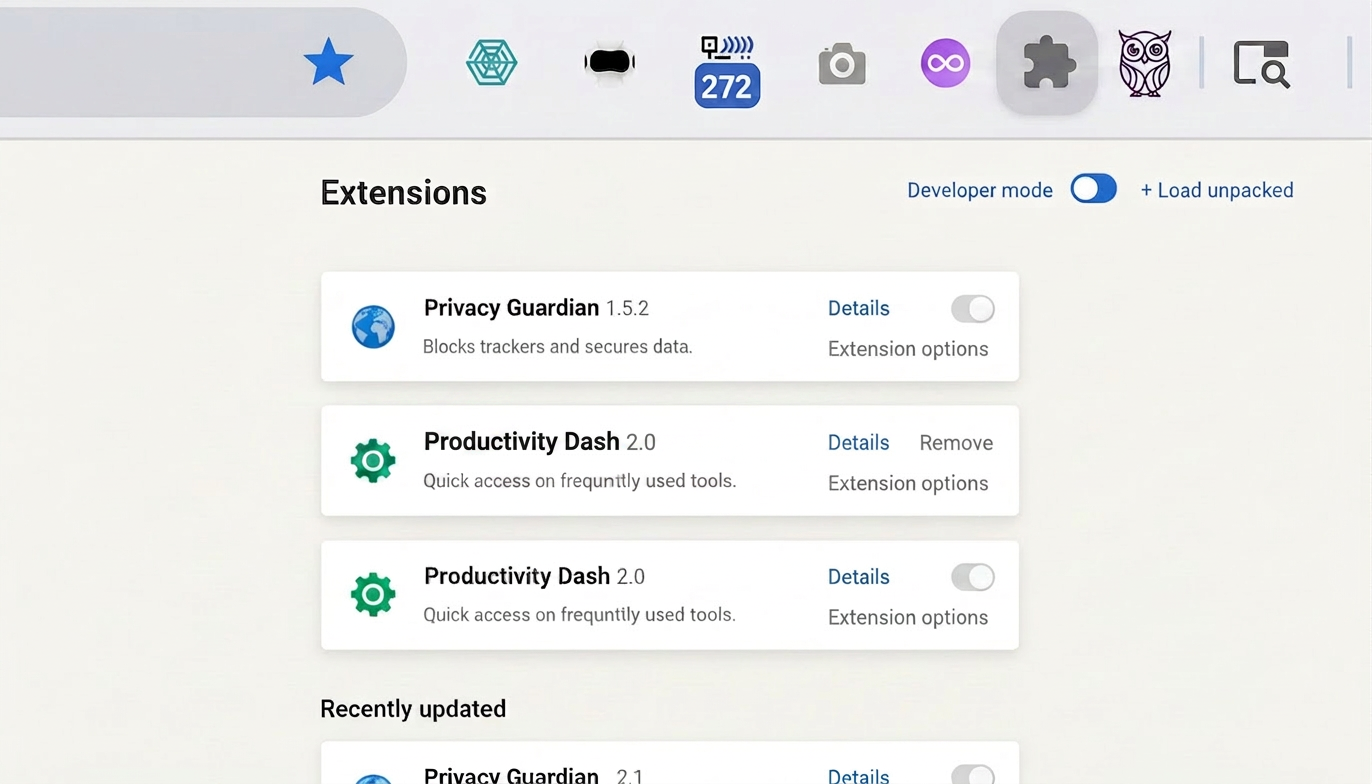
Install the Chrome extension
One click from the Chrome Web Store. No account, no card — the free tier gives you 5 downloads to try it on your own courses.
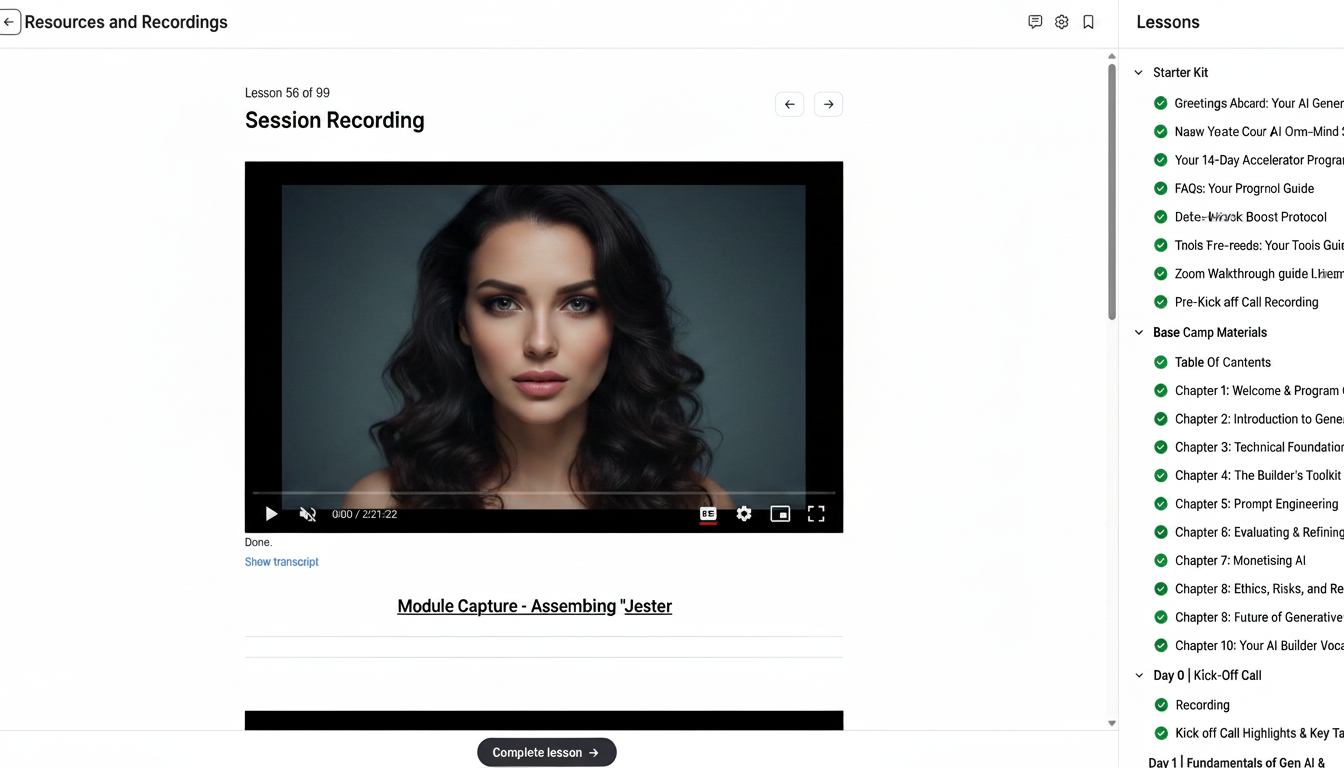
Open your LMS lesson
Navigate to any Circle.so community (custom domains too), Skool, Kajabi, School of AI and more. The extension auto-detects videos, PDFs, slides and embedded content as the page loads.
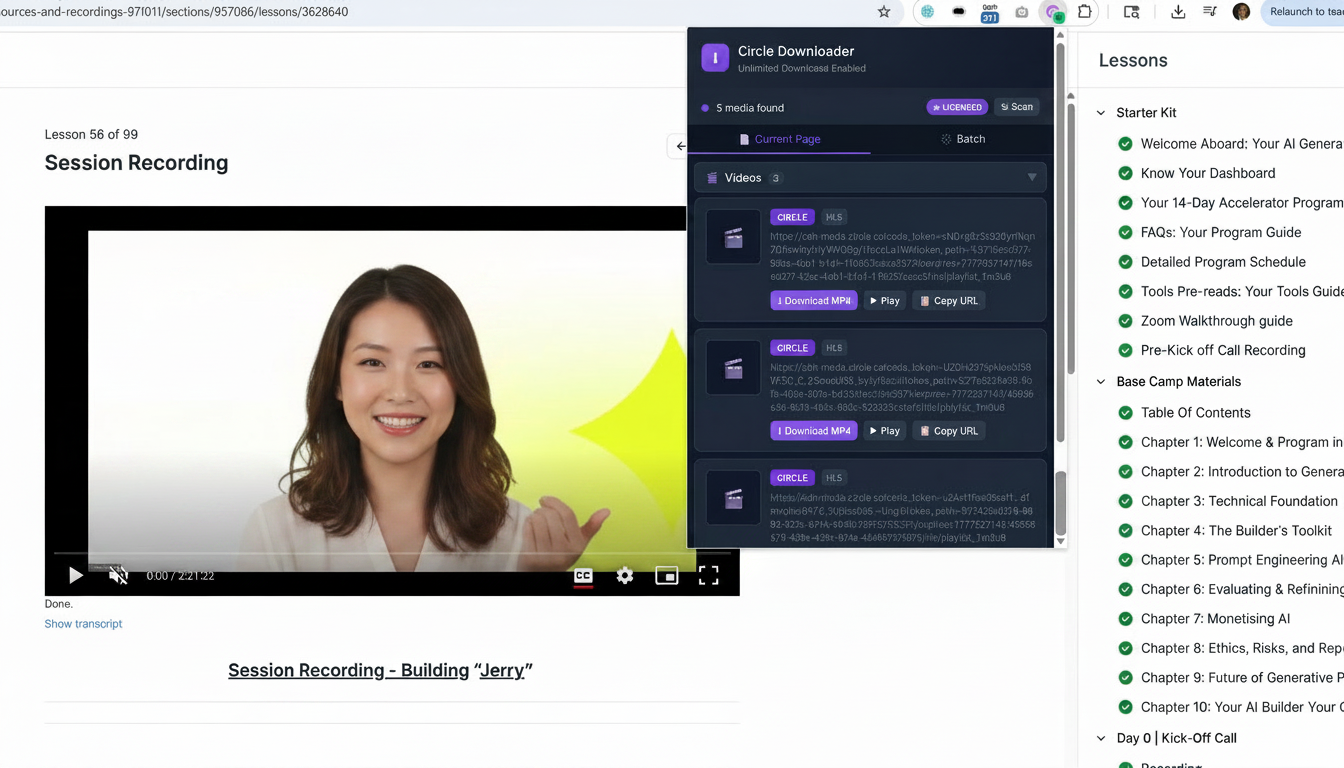
Pick what you want
Click the extension icon. A clean panel lists every downloadable asset on the lesson — videos, documents, images, slides. Tick the ones you want.
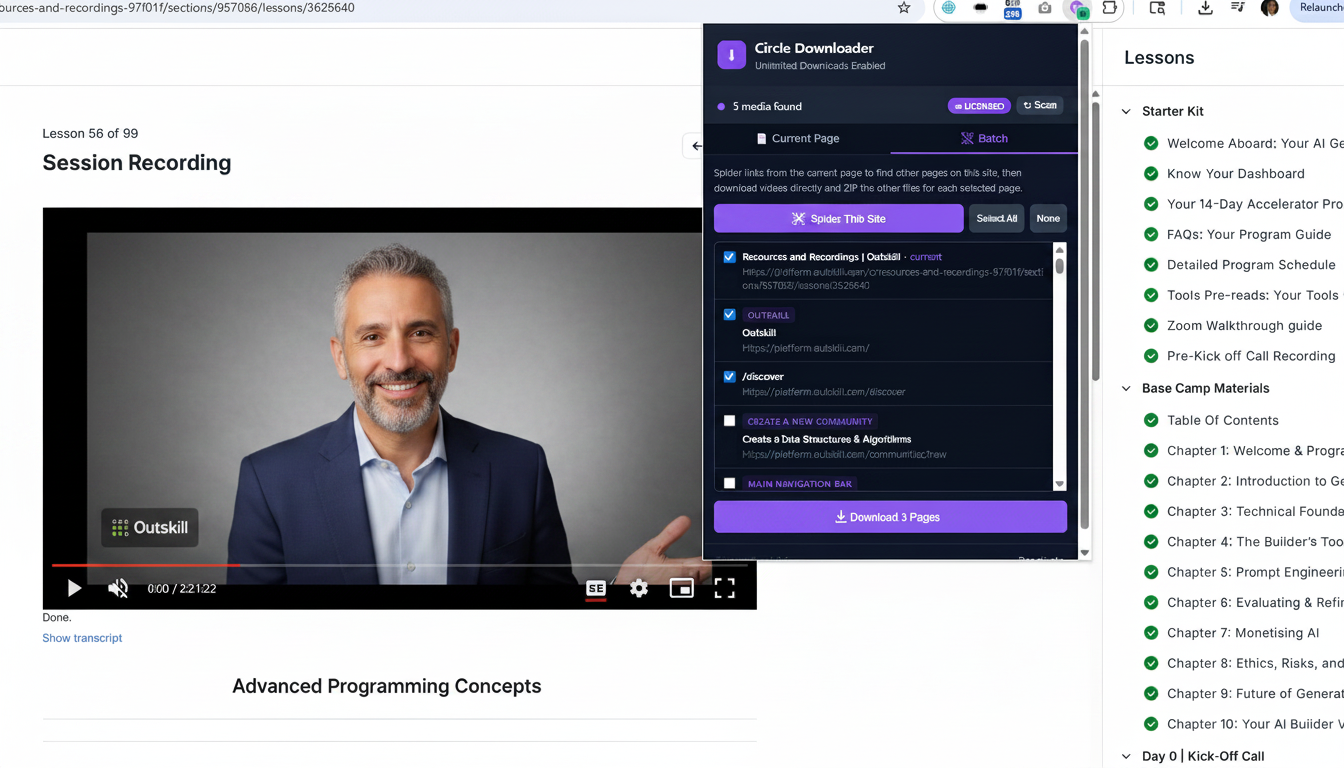
Bulk-select an entire module
Need a whole course at once? Use the bulk-select toggle to grab every video, slide and PDF across a module in a single batch.
Files download to your computer
HLS streams are fetched and merged into a single MP4. Documents keep their original filenames. Everything lands in your normal Downloads folder — yours to keep.
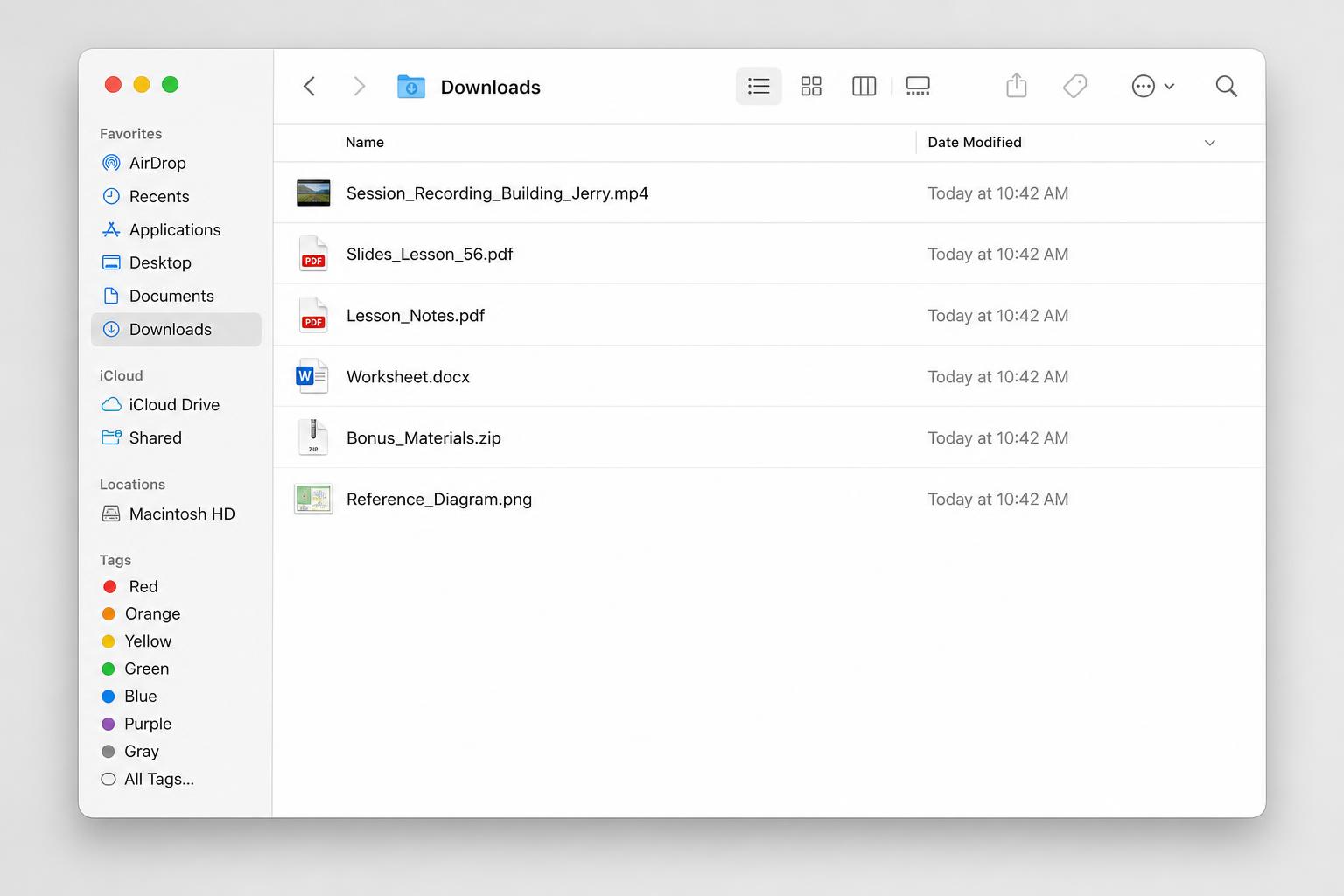
Watch offline, anywhere
On a flight, on the train, at the gym — your tutor is now in your pocket. No buffering, no subscription lapses, no lost progress.

Ready to try it?
5 free downloads, no credit card. Upgrade anytime for unlimited access.